
Access card for students
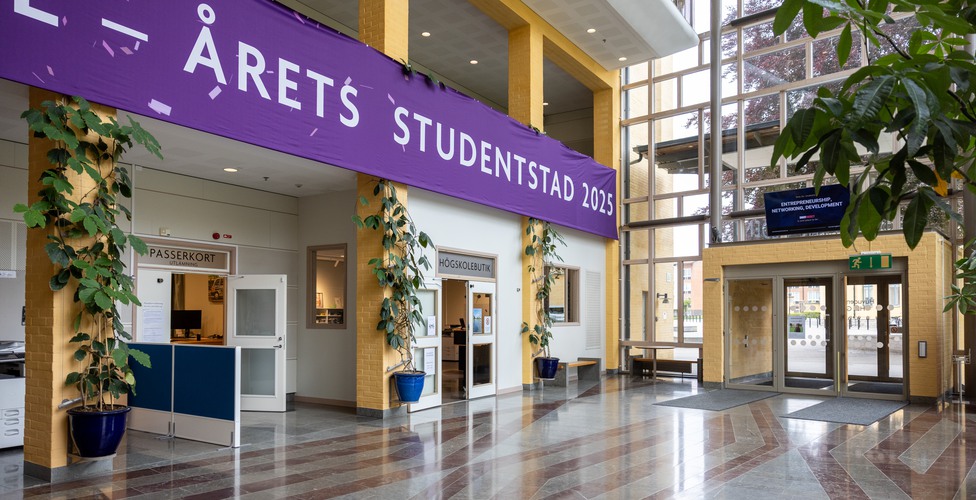
How to get an access card
To apply for an access card, fill in this form on the Student Portal. Once your application has been processed, we will notify you via your student email, and you can then collect your card at the Student Affairs Office in Building E, floor 2. Bring valid identification when picking up your card.
What applies?
- Access cards with a PIN code are personal.
- You must not lend or give your card to anyone else.
- Your card usage is logged.
- You are responsible for ensuring that no unauthorized person uses your card.
- If you violate the rules, for example by lending your card, it may be blocked.
Problems with your access card
If you have lost your card, if it has stopped working, or if you lack the correct access permissions, contact passerkort@his.se (use your student email).
Published: 12/10/2019
Contact - Access card
Access card pickup
You may collect your access card at the Student Affairs Office in Building E, floor 2.
Student Affairs Office opening hours
Other access card services
For issues or lost card, visit Technical Administrative Services (TAS) in the G building next to the reception or contact passerkort@his.se. It is important that you use your student email.
Open Mondays and Wednesdays 12:30-13:30